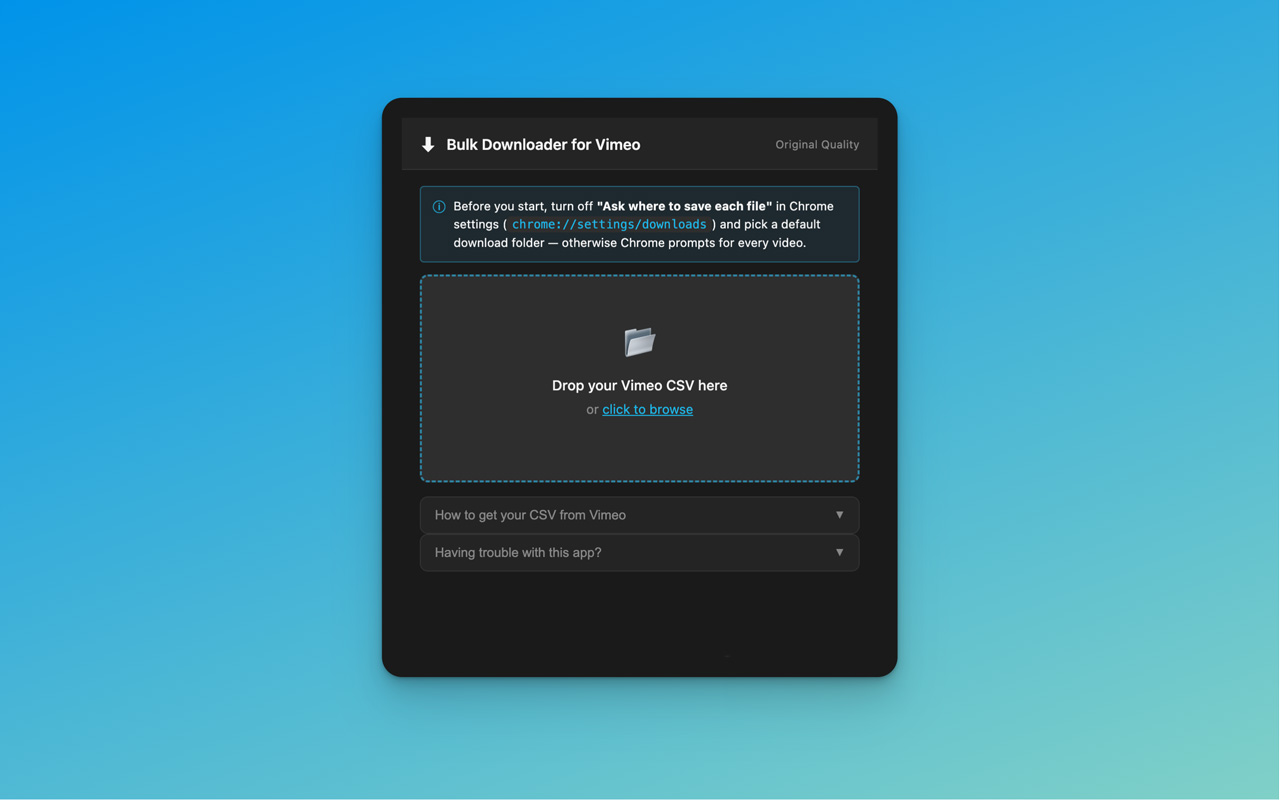
The only Chrome extension that downloads your master files in bulk – not Vimeo's compressed copies. Drop in a CSV file. Get every original.
Email Vimeo support and request a bulk-download CSV of your library. They'll send one back, usually in 1–3 days, with signed links to every original file you've uploaded.
vimeo.com/help/contact
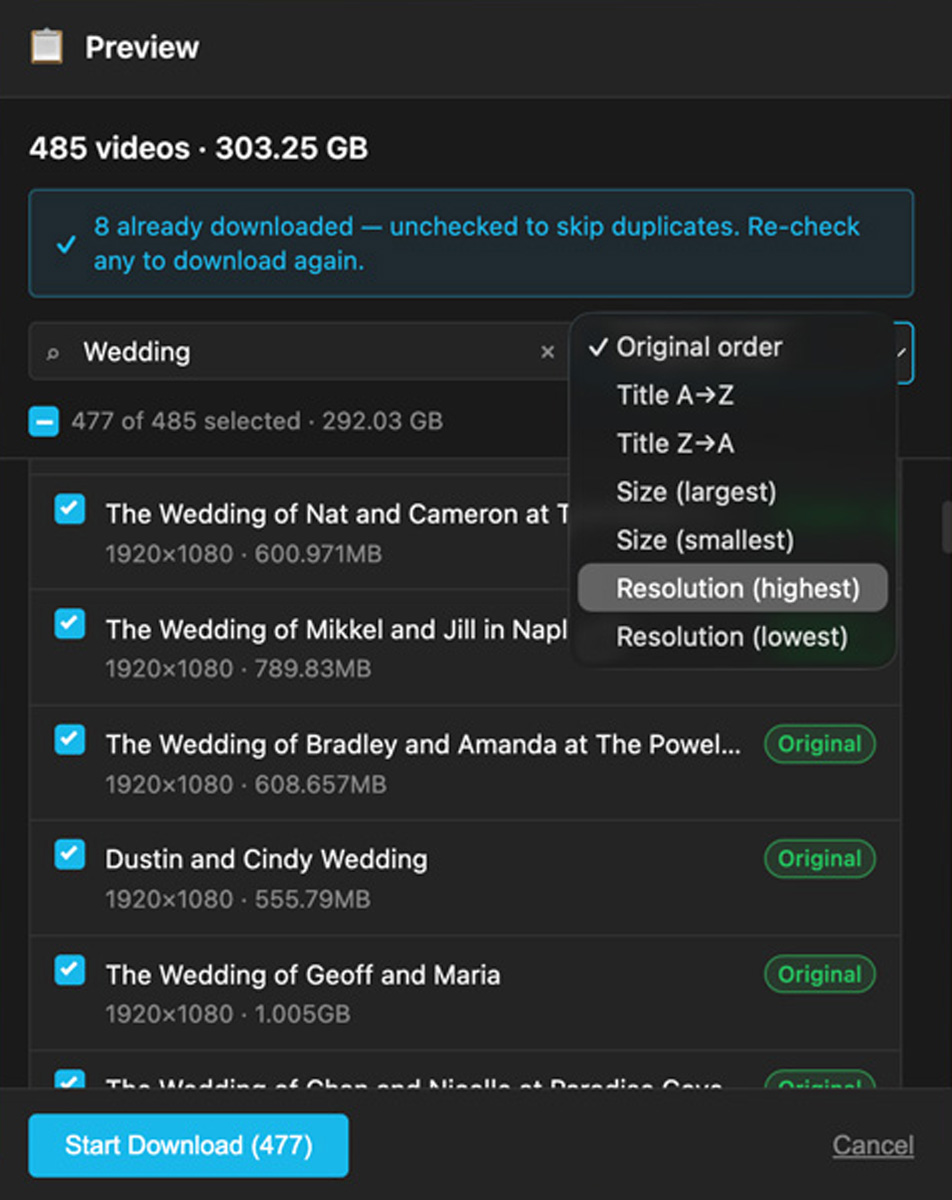
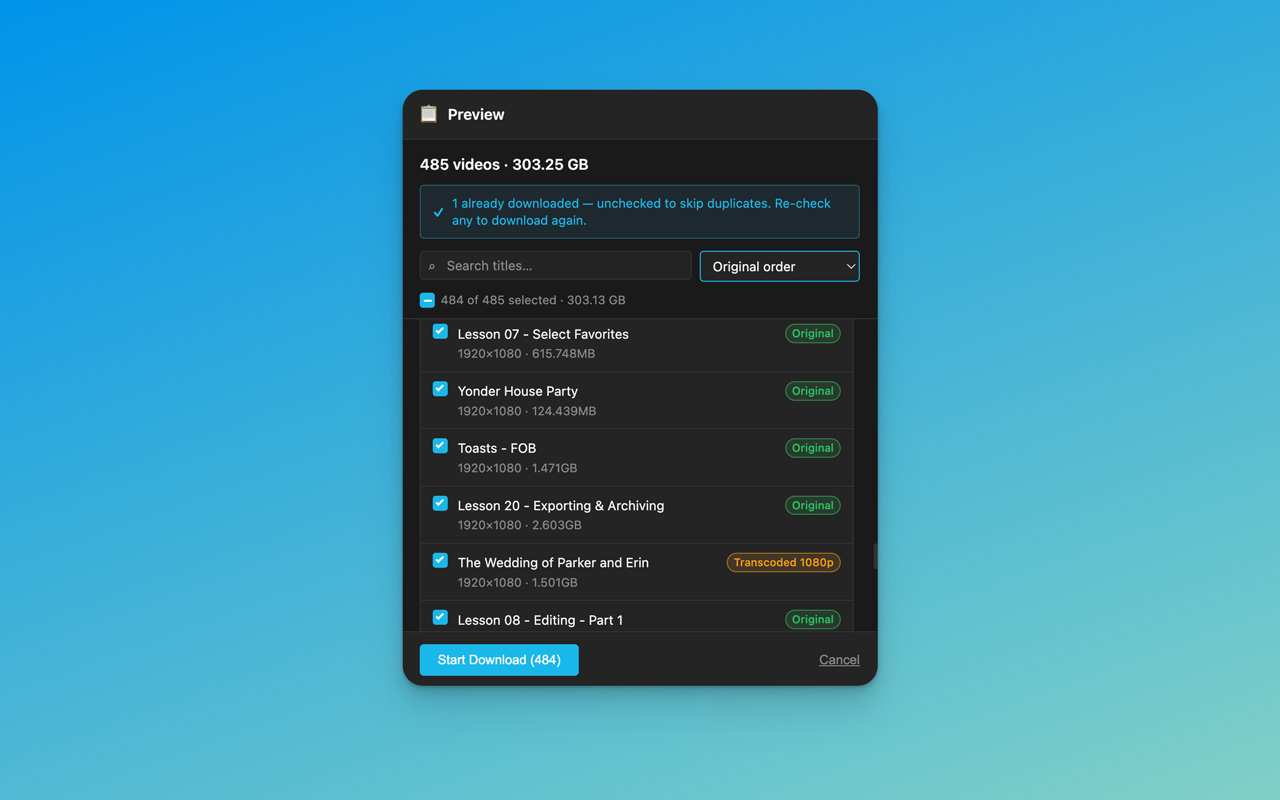
Open the extension, drop in your CSV file, and your entire library is parsed instantly. Sort by size, resolution, or title to scan a thousand-video archive in seconds – or use the search bar to find a specific clip by name. Expired links are flagged before you start, and the total download size is calculated up front so you know exactly what you're committing to.
No accounts. No sign-in. Your CSV never leaves your browser.
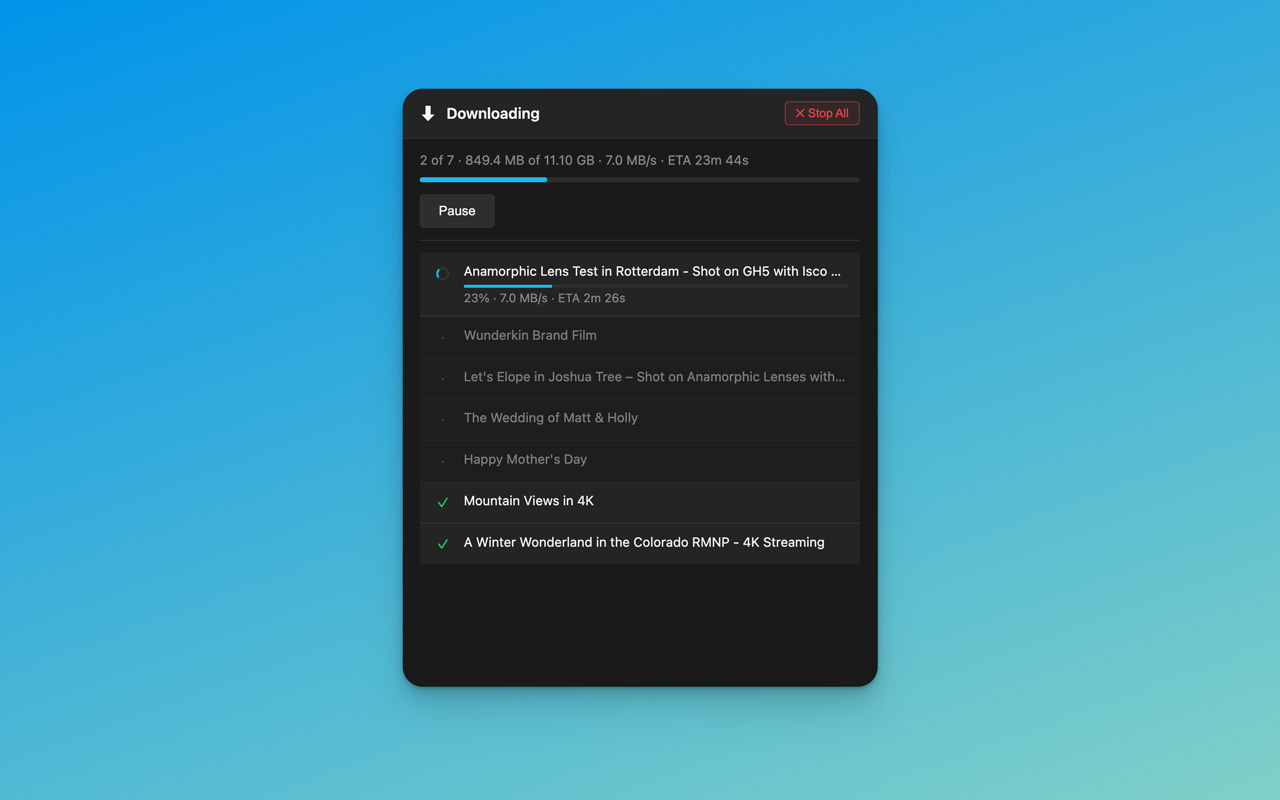
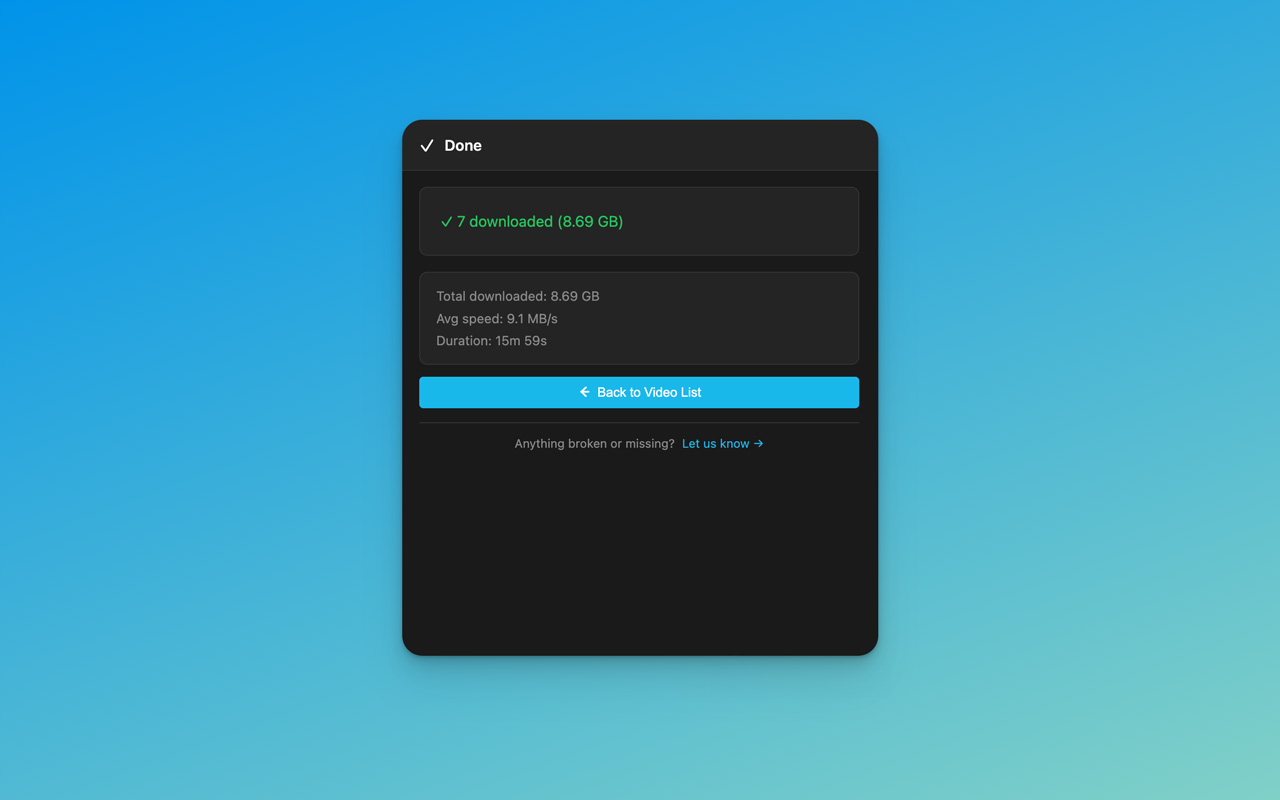
Instead of opening every video on Vimeo's site one by one and clicking download – for hours, sometimes days – your entire selection runs as a single queue. Multiple files come down in parallel, with live per-file speed, a running total ETA, and a progress bar across the whole batch.
Close the popup whenever you want. The downloads keep running in the background, and a desktop notification lets you know the moment everything's finished.
Dark theme. No clutter.
It's the question every Vimeo Pro and Standard user eventually asks – usually when they're migrating off the platform, archiving years of work, or staring at a dashboard with hundreds of videos that need to come home. And the answer Vimeo gives you is the same one they've given for a decade: download them one at a time, by hand, from the website. For a library of fifty videos that's an afternoon. For a library of five hundred it's most of a month.
A handful of tools claim to solve it. yt-dlp scripts. Third-party services like LOVE. Browser extensions that scrape the page. Each of them can sometimes pull a single original from Vimeo, but only when you're logged in and the uploader has explicitly toggled "Allow download" on that exact video. There is no public Vimeo endpoint anywhere that returns originals in bulk. Pull a hundred videos through any API and you get back what every API-based tool gets back: re-encoded streaming copies. Smaller. Compressed. Built for playback, not for archive.
The original ProRes. The original .mov. The master file that came out of your edit. For an entire library, those are reachable through exactly one path: a bulk-download CSV issued by Vimeo support. They'll send it on request, usually within 1–3 days, and inside it are signed download links to every original file you've uploaded. Not transcoded. Not re-encoded. The same file you sent them.
This extension is the only tool built around that path. If you care about getting the actual file you uploaded – not a copy of it – this is the difference.
No upsells. No mystery. No silent quality drops.
Not transcoded. Not re-encoded. The exact file you uploaded – byte for byte.
Total GB before you start. Per-file speed in real time. Never wonder how long it'll take.
Find a specific clip in a thousand-video library. Sort by size or resolution. Skip what you don't need.
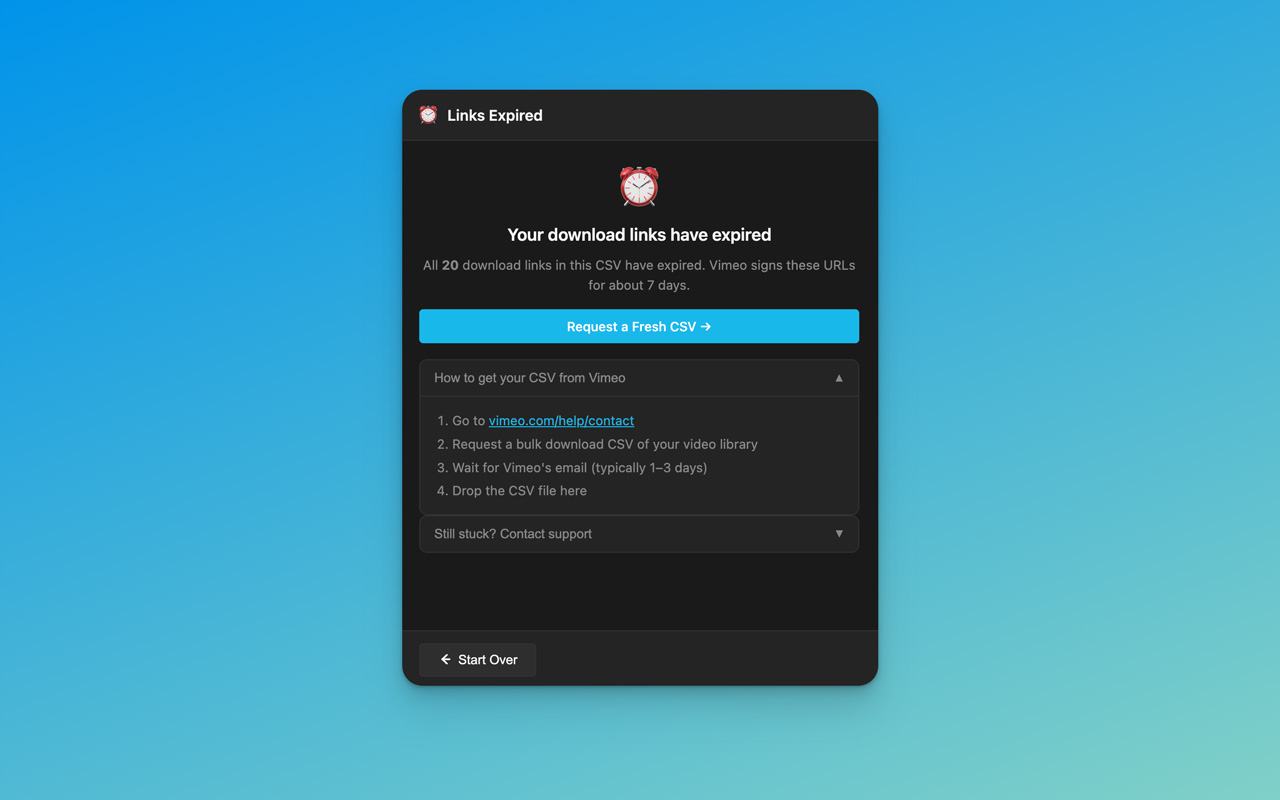
Vimeo's signed URLs expire in about 7 days. The extension catches that on parse and tells you exactly what to do.
Close the popup. Open another tab. Keep working. Desktop notification when it finishes.
Everything runs locally in your browser. Your CSV and your files never leave your machine.
Network blip? Per-file retry. The queue keeps moving – and tells you exactly what failed and why.
If an original is unavailable, the extension says so. It will never quietly hand you a transcoded copy.
No subscriptions. No accounts. No ads.
If it saves your day, drop me a coffee.
Yes. Vimeo support only issues bulk-download CSVs to paid accounts (Standard tier and above). Free accounts won't have the CSV option available to them.
Typically 1–3 business days from Vimeo support. Once it lands in your inbox, the signed links inside last about 7 days before they expire – so plan to download soon after you receive it.
The extension detects expired links the moment you drop the CSV in and walks you through requesting a fresh one. It will never try to download an expired URL – that path is closed before you can hit Start.
Tools like yt-dlp can fetch a single original from Vimeo, but only when you're logged in and the uploader has explicitly enabled "Allow download" on that specific video. There's no public endpoint anywhere that returns originals in bulk. Batch tools like LOVE work in volume but are limited to Vimeo's transcoded streaming copies. The support-issued bulk-download CSV is the only path that gives you signed links to every original at once, and this extension is the only tool built around that path.
No. This is a third-party tool that uses the official CSV that Vimeo support gives you. No API keys. No scraping. No workarounds.
Nothing leaves your machine. The extension parses the CSV in your browser and hands each download to Chrome's downloads engine. No analytics. No tracking. No servers. The only outbound requests are the file downloads themselves, going from Chrome directly to Vimeo's CDN.
Anywhere Chrome runs. The extension is platform-agnostic – files save to your default Chrome downloads folder, wherever that is on your OS.
No. The CSV only contains signed links to videos you own. This is a tool for getting your own files back – not for accessing other people's content.